Share the post "Garmin Edge 840 Solar GPS Bike Computer Review"
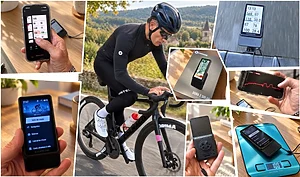
One year after the Edge 1040, Garmin is simultaneously launching the Edge 840 and 540 GPS bike computers at the second and third levels of the range, each now offering a solar charging option. This is obviously not the only new feature of these models, which boast numerous functionalities and improved accuracy. We put them to the test over several weeks and almost 4000 km with the brand new Edge 840 Solar.
By Guillaume Judas – Photos: ©3bikes.fr/DR
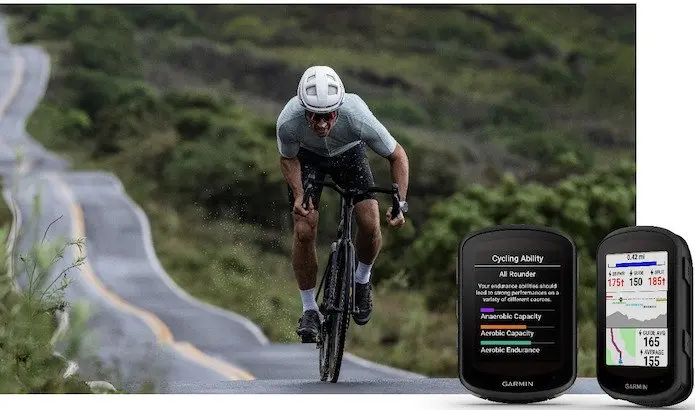
The 800 series has long been my favorite at Garmin, with medium-sized devices that have almost all the features of the high-end 1000 series, with perhaps only slightly less battery life and screen resolution, but more than enough for my riding. The Edge 800 series has always been about forty grams lighter than the 1000 series, and with a 2.6” screen (for the 840) versus 3.5” (for the 1040), you don’t feel like you’re riding with a smartphone attached to your handlebars. I personally have been using this range of bike computers since 2015, although I must admit that not all models have been without fault, particularly sometimes due to battery or third-party device connection issues.
After the Edge 800, 810, 820, and 830, here is the 840, itself available in two versions: a classic model with all the new features, and a Solar model that extends the bike computer’s battery life by storing solar energy during use and depending on brightness. In practice, I observed a maximum gain of 40 minutes of battery life on this test Edge 840 Solar during a 4-hour ride by the sea in late May at midday, i.e., when the brightness is almost at its maximum. It’s up to each individual to decide whether the additional €100 for the 840 Solar compared to the 840 to benefit from this battery life gain is justified.
Is the Garmin Edge 840 justified compared to the Edge 540?
The differences between the new Edge 840 and 540, launched at the same time and with the same dimensions, are quite simple to summarize:
- Touchscreen (plus buttons) for the 840, whereas the 540 is operated only with buttons
- Mapping storage of 32 GB for the 840, compared to 16 GB for the 540
- Two pre-loaded countries on the 840, versus only one on the 540 (it’s possible to download or swap loaded countries for free later)
- Ability to enter a precise address or GPS coordinates on the 840, unlike the 540
- Ability to create custom workouts directly on the device with the 840, whereas you need to use an app or a third party on the 540
- A price difference of €100 between the two bike computers. The Edge 540 is available starting at €399.99 (and €499.99 for the Solar version) and the 840 at €499.99 and €599.99 for the Solar version.
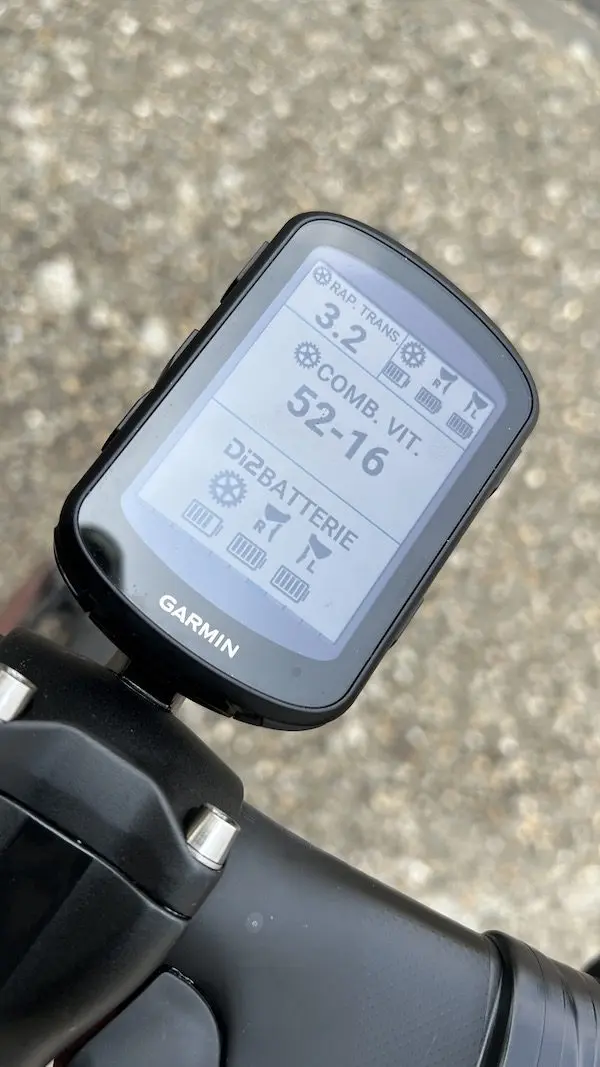
Clearly, the 840 has an advantage over the 540 thanks to its touchscreen, especially since the latter is now complemented by buttons that perform the same functions. Previously too sensitive, even capricious on previous models of the 800 series, especially during rides in the rain or indoor trainer sessions due to sweat, this one now seems very reliable and caused no problems throughout the test. It is also easily lockable, which can be useful during a heavy thunderstorm, for example. Most of the time, however, I used the bike computer in combination with a Shimano Di2 drivetrain and its integrated buttons on the brake levers, which allow changing the bike computer pages. In other words, I rarely use the touchscreen, and in that case, the Edge 540 would also suffice.
Regarding pre-loaded maps, the 840’s advantage over the 540 seems comfortable to me (I had the opportunity to use it in two countries) but not essential. As for the ability to enter an address, I admit I’ve only used this option four times since I started using 800 series bike computers, but each time I was delighted to get to my destination by bike without having to stop to look at my smartphone. There’s also the option to create workouts, which I don’t use.
For many users with a riding style similar to mine, it is therefore highly probable that the Edge 540 will be sufficient, especially since it incorporates most of the new features displayed on the 840. But I still appreciate being able to rely on entering an address if it’s really necessary. And it’s for this reason, primarily, that I would choose it. Once again, the 800 series bike computer seems to be the one that suits me best.
Interesting new features
Let’s be clear: as with most modern devices, you will only use this type of bike computer/GPS to 25 or 30% of its capabilities. The features are very (too?) numerous to be all perfectly exploited, and there are so many choices that it is even difficult to determine the many data to display on the different pages of the bike computer.
=> SEE ALSO: What data fields to display on your bike computer?
Among the first differences compared to the previous Edge 830, we can note that the 840 is slightly thicker to accommodate the solar option, and slightly wider, which is an advantage in terms of readability. It is also 9 g heavier (89 g vs 80 g for the 830). It has several side buttons in addition to the touchscreen, and it is now equipped with a USB-C connection for charging or synchronization via a computer.
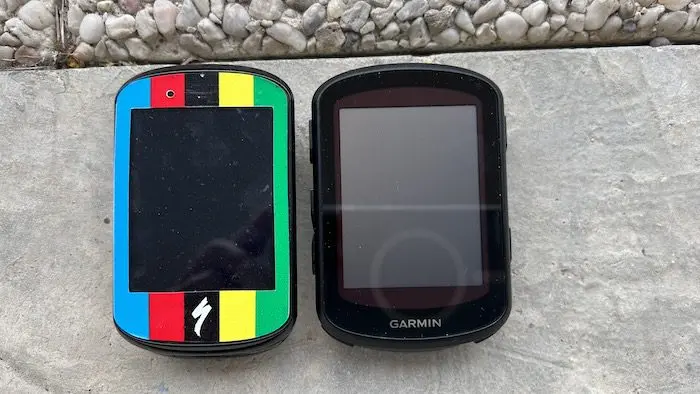
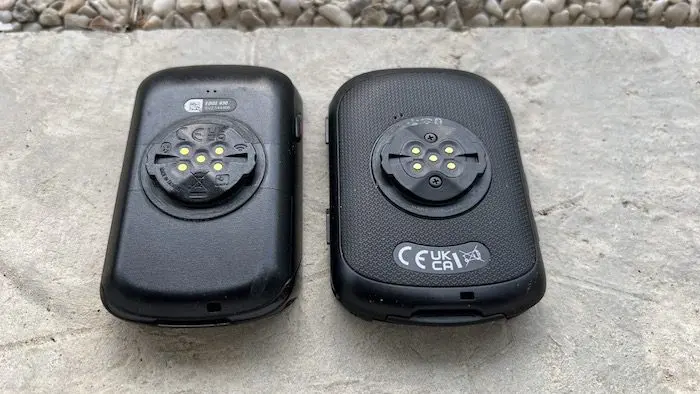
In terms of performance, it now benefits from a multi-band/dual-frequency GPS that is significantly more powerful than on the previous generation of the 800 series. Map position updates seem faster, even in dense woods. Furthermore, I frequently pass through two tunnels of about 300m during my usual rides, and where the 830 loses the GPS signal, this never happens with the 840. In Gravel use, this improved performance translates to less time lost searching for your way when following a track in the forest or trying to find the right direction at a fork. This feature is also combined with a slightly more precise map than on the 830, which is especially noticeable again in Gravel use.
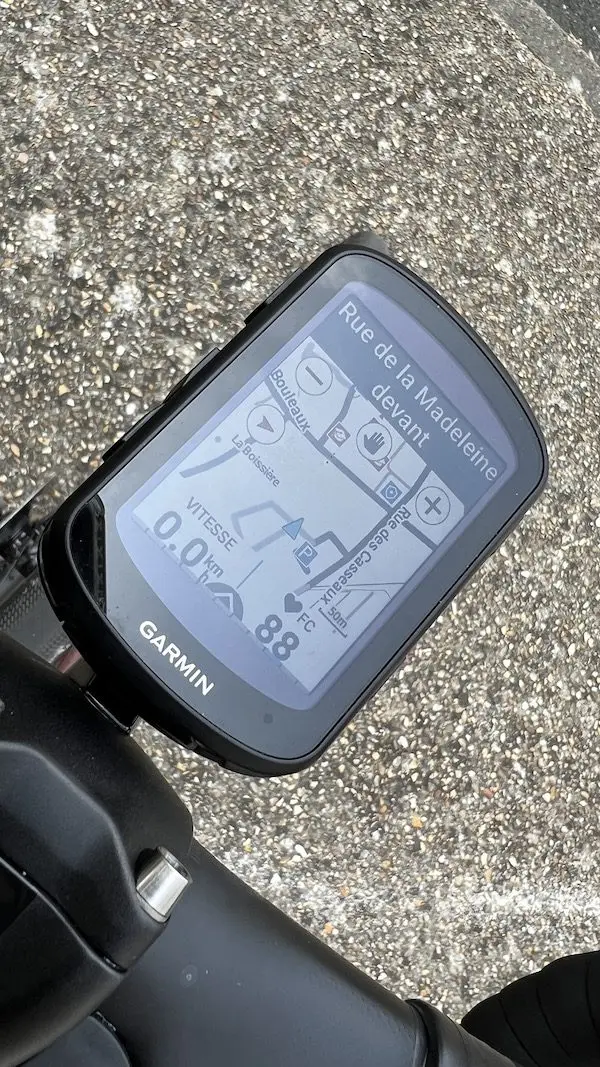
The user interface has also been completely redesigned, adopting the one developed for the 1040. In practice, navigating through menus or sub-menus to display or check options seems more intuitive than with the 830. With the 840, it is possible to display/configure up to 10 pages with up to 10 pieces of information each time, in addition to pages dedicated to navigation, compass, altimetry, or widgets downloaded from Garmin Connect IQ. But obviously, if you want less information on each page for better visibility, that’s always possible. Depending on bike profiles, activities, or seasons, it is also possible to set aside certain pages, such as those related to power and cadence data, which I decided to remove for a while, for example. Note that for ease of use and to avoid losing too many bearings, you can transfer the settings of different profiles (road, gravel, and indoor trainer for me) from the old 830 to the 840 via the Garmin Connect application. Similarly, it is possible to modify the activity profile pages of the bike computer also via the application, which is much simpler and faster than on the bike computer itself. Let’s also take this opportunity to specify that the connection with the smartphone, which is not always without difficulty for downloading a ride, for example, is still more reliable and faster than with the 830.
=> SEE ALSO: Which bike computer to choose between the Garmin Edge 830 and the Edge 1030 Plus?
ClimbPro and real-time training level indication: much more than gadgets
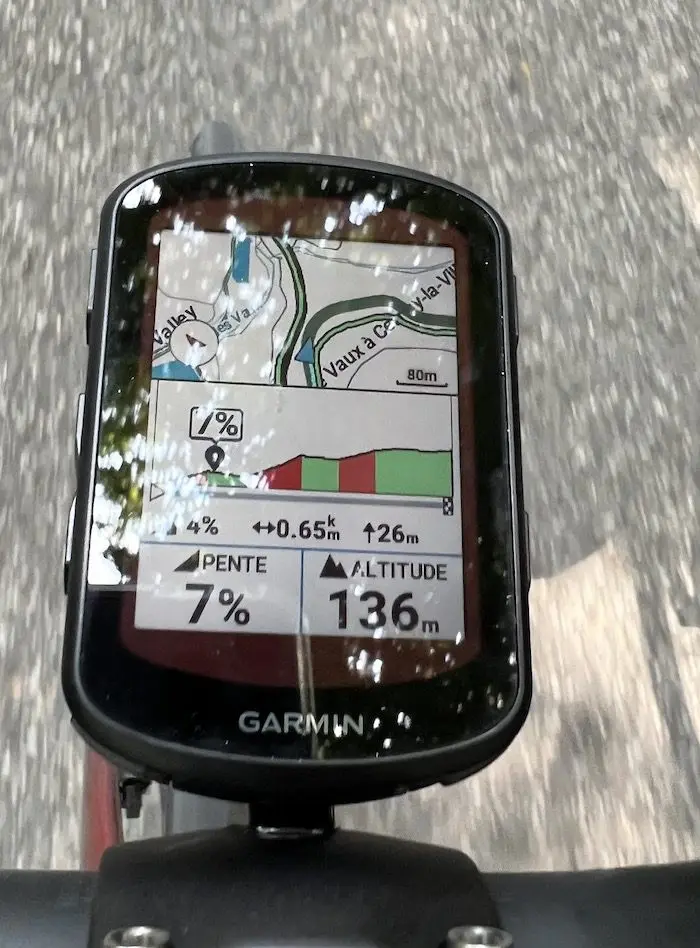
In terms of functions, the addition of the ClimbPro Free-Ride mode is a real advantage for elevation enthusiasts. ClimbPro mode is not new to Garmin, and something similar can also be found at Hammerhead. It is the graphical indication of the difficulty level of a climb or a pass, with distance, elevation gain, instantaneous and upcoming gradient. But until now, it was necessary to follow a downloaded course on Garmin bike computers to benefit from these indications. With the Edge 840, the mode automatically displays (but can be deactivated) at the foot of a climb without the need to have planned the course beforehand. A Climb Explorer dashboard is even added to find climbs near your current location. In practice, the function is super effective when you don’t really know where you’re going when approaching a climb or a pass, when you’re trying to manage your effort, or to stick with or drop from a group in a difficult section, for example. From my point of view, it’s a real plus.
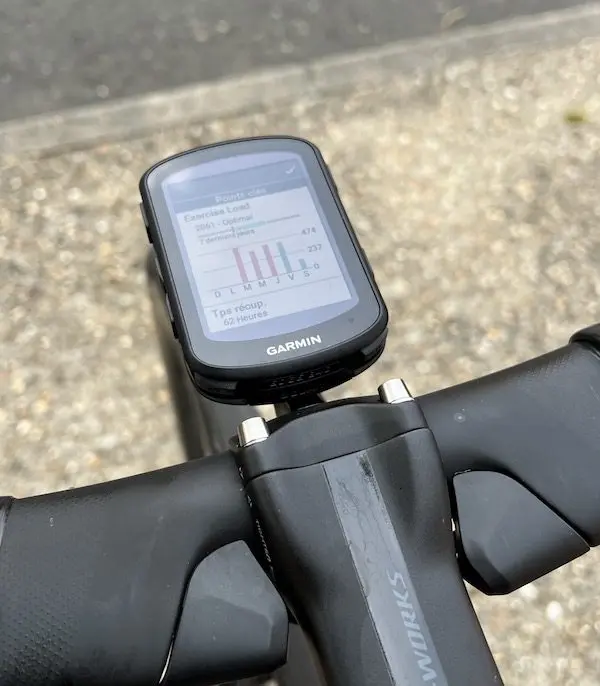
The Edge 840 also brings new features in terms of training management. For several years, Garmin has been using algorithms to calculate VO2max by taking into account heart rate and watts (more or less reliable), FTP threshold, or different training thresholds, whether with watts or heart rate. On the 840, and as on the 1040 launched in 2022, we can see the addition of suggested workouts, based on a scheduled race or event, or based on current form and past sessions. The system even adds a real-time stamina status that displays the distance and remaining duration based on energy reserves during the workout. Even if this data cannot have the relevance of a real coach, and it comes from indications that are not 100% reliable, it still seems interesting to me, at least for riders who are still trying to understand themselves, or to detect certain signs related to overtraining.
The daily reliability of the Edge 840 Solar
For the six weeks I’ve been using the Edge 840 Solar, I’ve appreciated the screen’s readability (an improvement over the 830), the GPS system’s precision and speed, the improved map details, the ClimbPro function, and the battery life. Garmin announces up to 34 hours of battery life with multi-band GPS mode and solar charging. In practice, it’s possible to complete a normal week of training without having to recharge the bike computer.
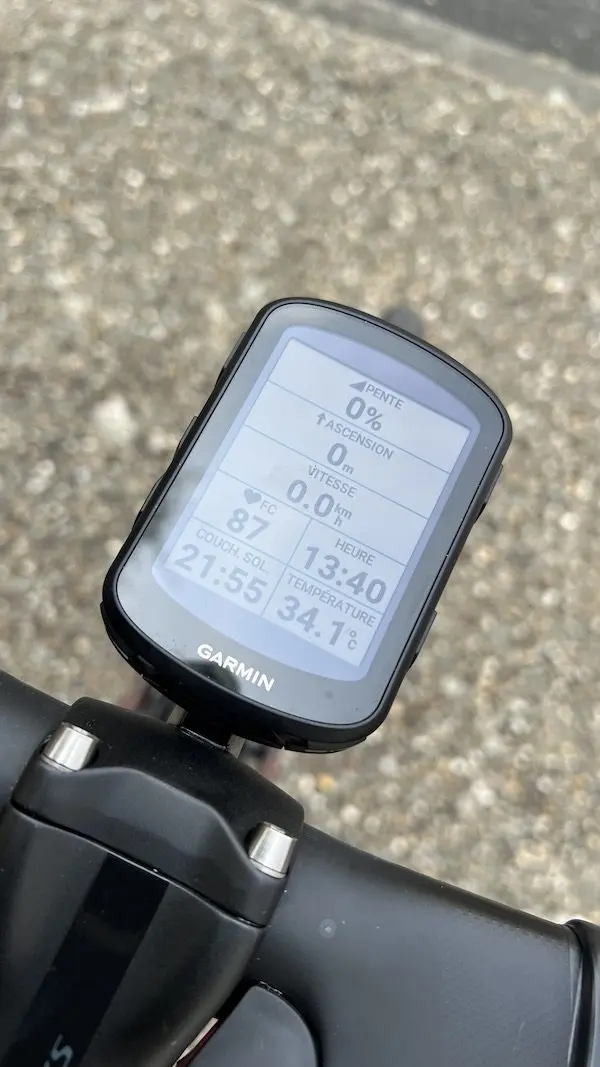
I also noticed a very clear improvement in the 840 compared to previous generation bike computers in terms of satellite signal acquisition. Even when changing locations, the 840 never needs to search long for its position, which ultimately saves appreciable time.
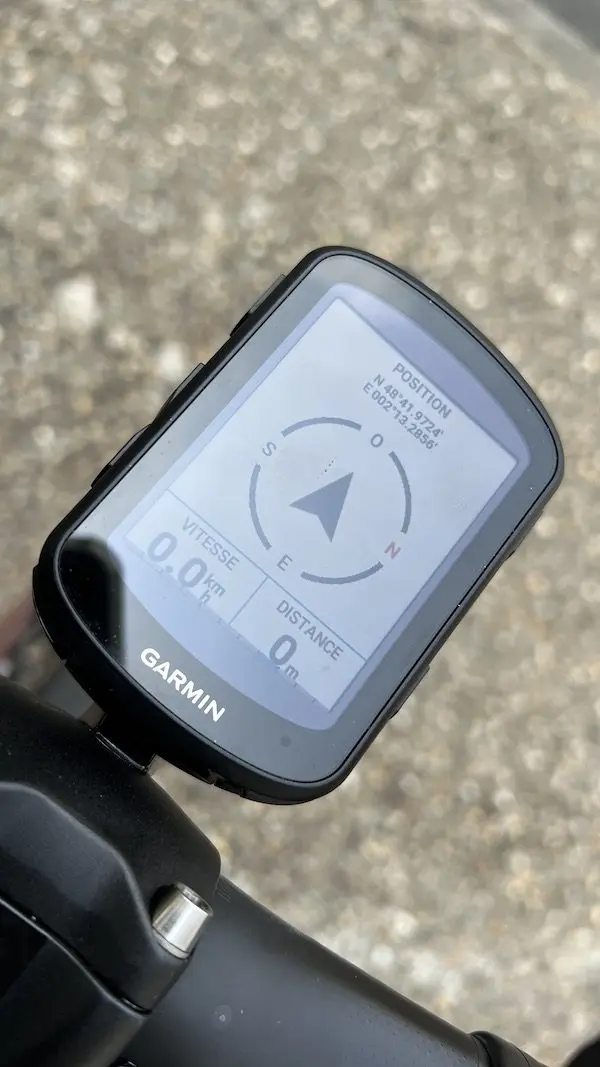
The connection with the smartphone has not always been perfect after workouts, and sometimes you have to insist to download sessions. However, it is not certain that the fault always lies with the bike computer. Even the connection from the computer with the cable sometimes bugs. Furthermore, the Edge 840 crashed once on the road, for no particular reason: in the middle of a ride, the bike computer turned off, then instantly turned back on, stopping the current ride recording. I had to press the start recording button again to restart the ride, fortunately without losing any data. This kind of bug has happened to me very often recently with the 830, with a much longer restart time than the 840 in that case. Each time, it’s easily 500m lost on the ride recording, which is particularly annoying during an interval session, for example.
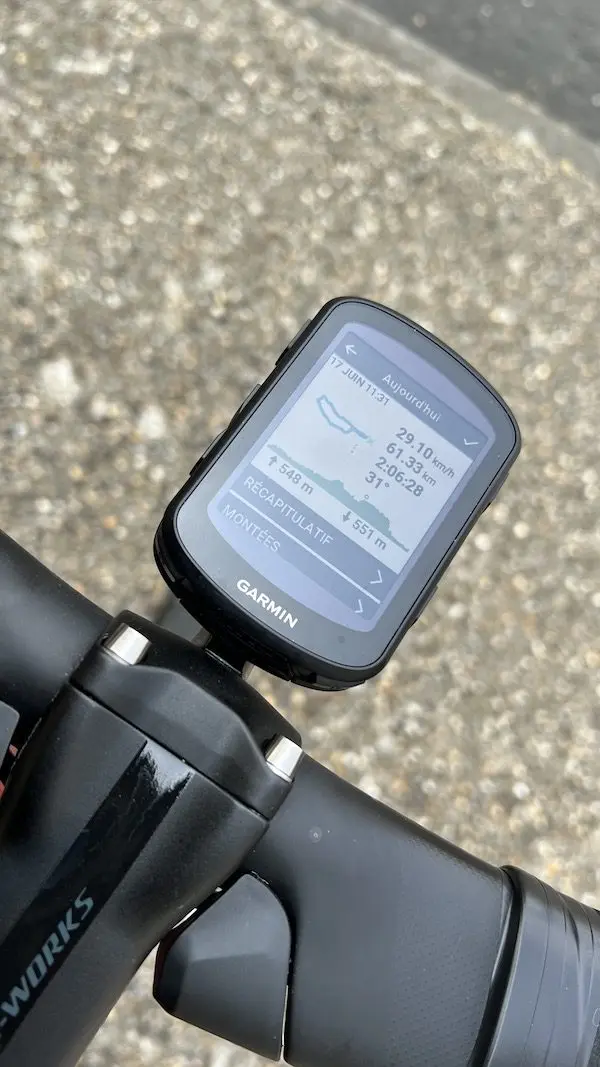
Regarding GPS guidance, progress has been phenomenal in recent years, but the system is still not as efficient as a smartphone with the Waze application, for example. I used the “return to start” option several times, and I noticed that the proposed route was not always the shortest or most practical. The Edge 840 even got me lost once in a residential area, trying to make me take a gated alley, rather than going around the neighborhood in a more conventional way. These are still details from my point of view, because the GPS function on a bike is mainly useful with a downloaded route (whether with Garmin Connect, Strava, or any other similar application), and the indications are relatively easy to follow on the screen. However, when you want to zoom in/out on the map on the screen, accessing the “-” and “+” icons is not very practical while riding.
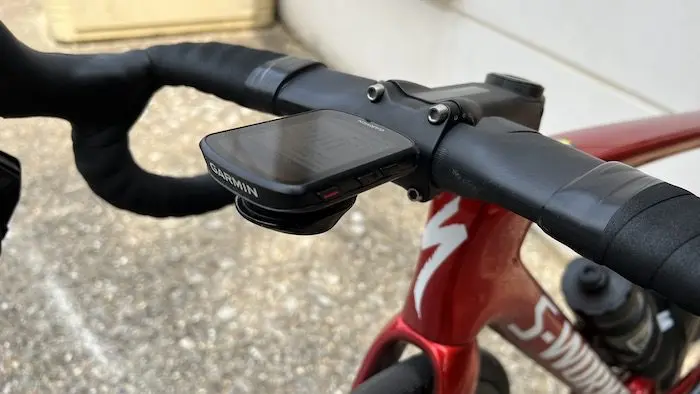
Despite these few minor flaws (youthful and potentially fixable with updates, or related to its reduced size), the Garmin Edge 840 Solar is nevertheless an excellent GPS bike computer, with numerous functions that truly allow adapting the device to each rider’s style. At €599, the price, however, starts to be very high, and we can only advise you to carefully compare the functionalities of the different devices in the range.
=> SEE ALSO : Buy the Garmin Edge 840 Solar
The GARMIN EDGE 840 SOLAR in brief… Rating: ***** Pros: battery life, size, weight, readability, ClimbPro function, GPS accuracy, mapping, ability to enter an address, workout programming, remote tracking, incident detection, Di2 connection, menu and profile access, smartphone configuration via Garmin Connect, touchscreen + buttons Cons: a few very rare bugs, price Price: €599.99 (also available in non-Solar version at €499.99, in Bundle version with accessories at €599.99). Contact: garmin.com |
=> SEE ALSO : All our Gear articles
Share the post "Garmin Edge 840 Solar GPS Bike Computer Review"