Share the post "Hammerhead Karoo 2 GPS Bike Computer Review"
Having joined the Sram fold just over a year ago, the Hammerhead brand faces fierce competition in the GPS bike computer market, with Bryton, Wahoo, and especially Garmin, which is omnipresent at all price points. The Hammerhead Karoo 2 is a rather high-end bike computer at €399, offering many advantages, starting with excellent visibility of its GPS functions.
By Sébastien Argentin – Photos: All rights reserved
The first impression left by the Hammerhead Karoo 2 bike computer is largely positive, with very attractive packaging. In a very classy drawer box, you’ll find:
- The Karoo 2 GPS
- A specific handlebar mount for Hammerhead attachment
- An adapter to attach the bike computer to Garmin-type mounts.
- A lanyard and a 2.5mm Allen key for mount installation
- A USB / USB-C cable to charge the device
With dimensions similar to a Garmin Edge (100.6 x 60.8 x 19.3 mm and 125 g), the Karoo 2 stands out with a 3.2-inch (81 mm) touchscreen and a resolution of 480 x 800 pixels with very pleasant colors. Operation is fluid and similar to that of a smartphone.
The menus are only available in English, which may bother some users, although in the end, you get used to it very quickly. Looking at the features, we note the connectivity, with Bluetooth, Wifi, and ANT+ communication, compatibility with a Garmin Varia radar, and with Sram AXS functions to change menu pages, view information on derailleur battery status or gears used, but no longer with Shimano Di2 for several months. That’s a shame. For navigation, the bike computer supports GPS, Glonass, Compass, and QZSS systems, but not the European Galileo system.
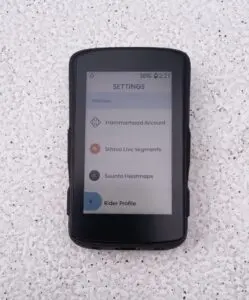
As for updates, they are offered regularly with the choice to install them or wait to do so. This is quite practical, as you never really know in advance how long such an installation can take, and the timing for training is sometimes tight. Those who have seen their bike computer spin idly for five good minutes just as they were about to leave to update know what we’re talking about!
Essential functions
For the GPS part, the maps used are OpenStreet Map for cycling, which are very accurate and pleasant. You just need to download the maps you need, by region for France. Several countries are available, and the bike computer has 28 GB of storage for maps. For example, it takes 11 GB for all of France, which leaves some room to navigate in neighboring countries.
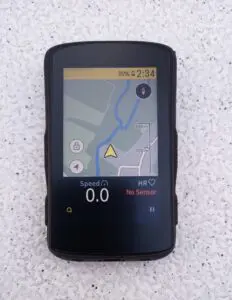
In terms of practicality, the Karoo 2 features a bright and very detailed touchscreen, which proves to be very robust and scratch-resistant in use, as we observed after eight months of use. It is also anti-glare, which makes it very readable in undergrowth or for gravel rides. The bike computer also has four buttons available for navigating menus and functions, which can supplement the touchscreen in case of rain, dirt on the bike computer, or use with thick winter gloves.
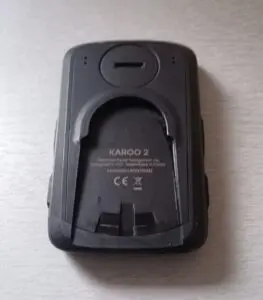
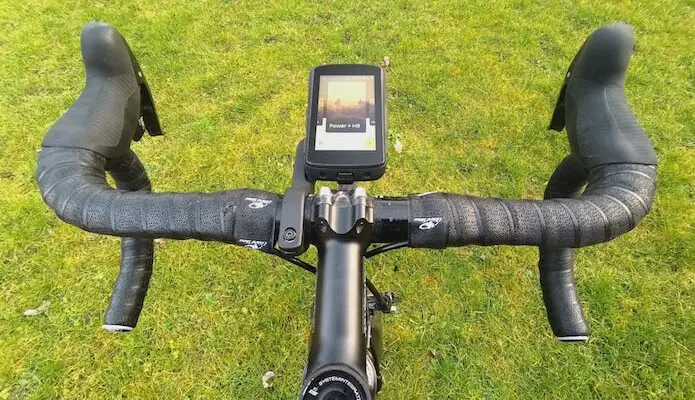
The handlebar mount is very sturdy, almost too much so, as it’s not always easy to remove the bike computer without fear of breaking it, given how strong the hold is. An additional adapter is provided to place the bike computer on a Garmin mount, if necessary.
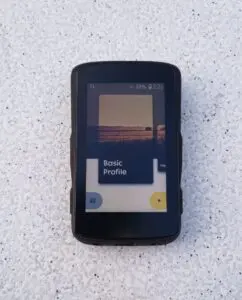
As soon as the bike computer is turned on, you can define different profiles, with the possibility of benefiting from specific predefined displays for several situations such as road, gravel, mountain biking, indoor training, or a special profile for competition… You can choose up to ten data points per page (speed, mileage, heart rate, cadence, power, heading, temperature, time, stopwatch, etc.), which are very readable and can be arranged as desired. Here again, we appreciate the customization of the display, and especially its readability. Note that two pages are available for each defined profile: one with all pre-selected data and another with the map and just a few essential data points below. And you just need to swipe the screen from right to left to switch between them.
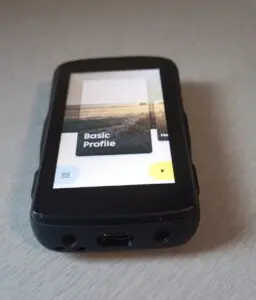
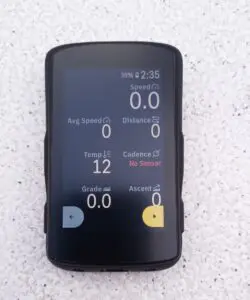
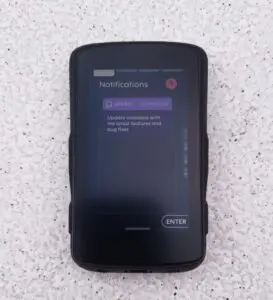
Like all modern bike computers, the Karoo 2 also offers smartphone notifications via a Bluetooth connection. To do this, you need to install the Karoo Companion app. A big problem for us, as we only managed to pair it once, and since then it has never worked again…
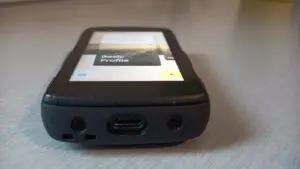
The bike computer is charged via a USB-C cable with a small cap to remove to access the port. Be careful, as the cap is loose and easy to lose, especially since it doesn’t seem to hold very tightly on the bike computer. Apparently, the bike computer remains waterproof even without this cap. And Hammerhead sells these caps in packs of ten if needed.
Regarding data analysis after a ride, it’s possible on the bike computer with a lot of information immediately upon recording. Otherwise, you can go to the Hammerhead dashboard page (after registering a profile, the ride automatically downloads via Wi-Fi once you arrive home and appears on the dashboard when you open the dedicated web page), or even through the Suunto app, as the two brands are partners. It’s also possible to create routes and programmed workouts via this page. To create a route, you can either import a track or create it point by point as in Openrunner. All of this is relatively simple and highlights the major strength of this bike computer, which is mapping and navigation.
On roads and trails with the Hammerhead Karoo 2 GPS bike computer
The bike computer’s startup is quite long compared to a latest-generation Garmin, although it remains reasonable. Battery life is decent, but not quite as good as expected, as it’s close to ten hours without any paired sensors, but with brightness set to 100%. Travelers will therefore have to make some concessions if they want to benefit from the Karoo 2’s excellent visibility.
When following a track, we notice that the Open Street Maps map is not the most accurate on the market, and in off-road use, some narrow paths may be missing. However, regardless of the data screen, a small window constantly indicates the next change of direction. As you approach intersections, other information appears, with an audible signal. In case of a route error, the bike computer automatically recalculates a route to rejoin the track, with the signal colored red to indicate the deviation. On the road, the risks of missing an intersection are, of course, much rarer, especially since overall, the Karoo 2 is very responsive, both in its GPS mode and in the fluidity of navigation within the different menus.
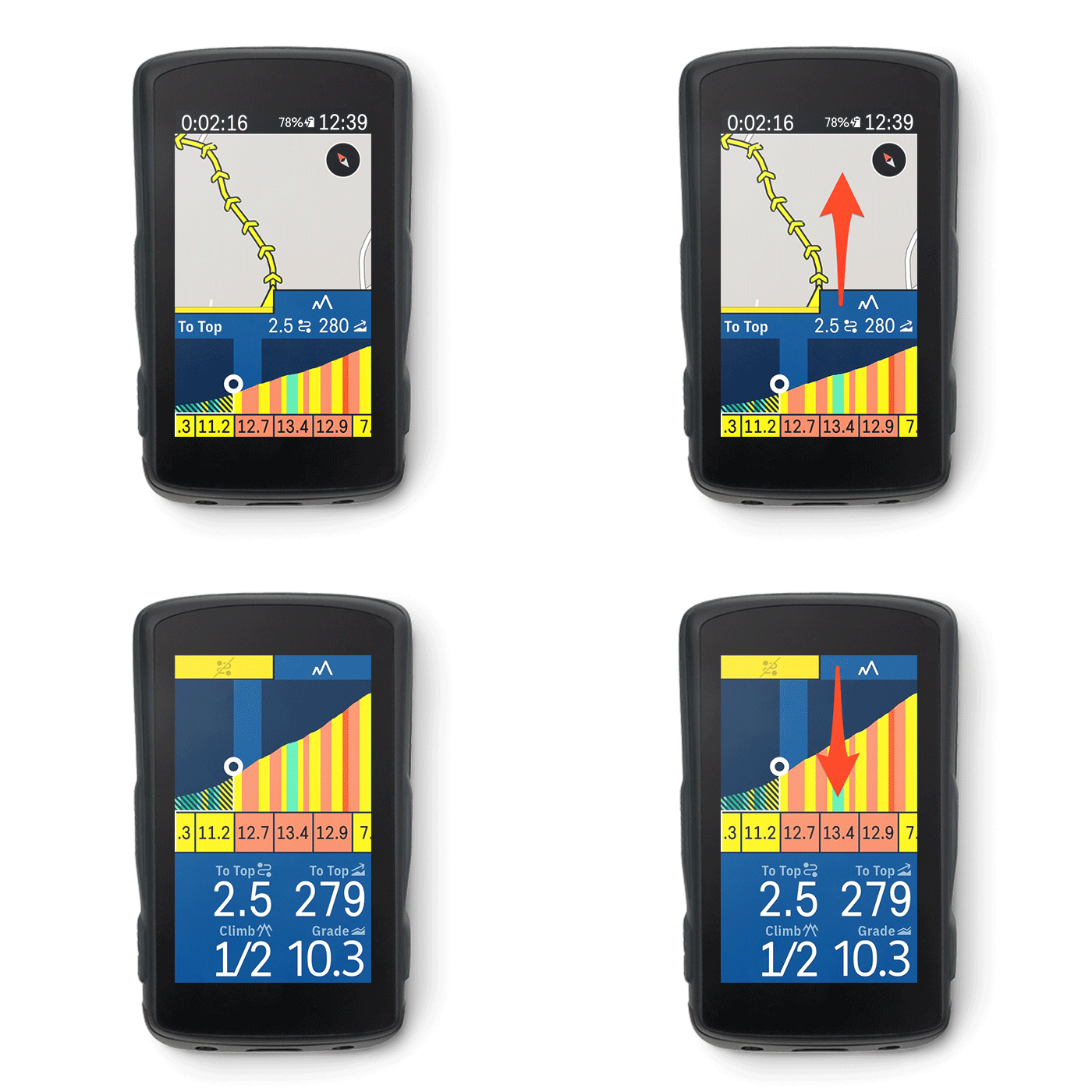
Among other functions, we note a very precise barometric altimeter, with particularly accurate elevation data that we were able to verify by comparing them with those of Openrunner. The Karoo 2 also comes with a Climber function, which provides the gradient and elevation gain of each climb encountered on the route. Not only when riding along a track, but also when riding normally. The bike computer detects the road taken and warns of the upcoming difficulty. The function automatically displays the climb profile with the remaining length and elevation gain before the summit. You also get the climb profile in 100m segments with colors according to the percentage value of each section. However, the function still needs improvement from our point of view, in terms of real-time realism and with a constant lag between the section on the bike computer and where you are on the climb. On the other hand, the overall profile is quite accurate, and it’s a practical function when you don’t know what you’re getting into.
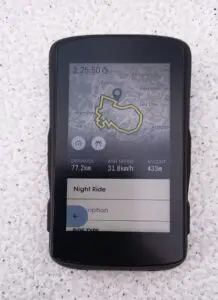
The bike computer’s thermometer function is also perfectible, and it seems to be affected by the wind. We consistently find a temperature about 2°C lower than a Garmin bike computer. However, it’s worth noting that the Karoo 2 doesn’t do things by halves when it comes to the bike computer’s robustness. Despite a fall from the bike computer on a speed bump (which broke a Garmin mount), the Karoo 2 is almost intact, with virtually no marks!
Our opinion on the Hammerhead Karoo 2 GPS bike computer
With the Karoo 2, Hammerhead offers a GPS bike computer with essential features, excellent responsiveness in terms of on-the-go navigation, and intuitive use. We appreciate its readability and screen resolution, as well as its robustness. Currently available only in English, the Karoo 2 does not have a dedicated mobile application to facilitate downloads after rides, but it is fortunately compatible with the Suunto app, which allows multi-sport athletes to consolidate all their activities in one place. Slightly less expensive than a high-end Garmin, its price is ultimately in line with the functions it offers. We would recommend it primarily to those who prioritize navigation-related functions.
The HAMMERHEAD KAROO 2 GPS Bike Computer in brief… Rating: * Pros: very pleasant screen to use, responsiveness, display choices, accurate and reliable map and navigation, Climber function, regular updates, well-positioned price Cons: no more DI2 compatibility, imperfect Climber function, USB port protective cap risks being lost, somewhat long startup, capricious phone pairing, battery life, English only, need for Suunto app for Bluetooth ride downloads Android-based software, scratch-resistant Dragontail glass, matte screen for good visibility in all lighting conditions, IP67 waterproof rating, waterproof USB port, touchscreen or four-button controls, SIM card slot for mobile internet connection (3G, 4G), Re-Routing function, adapter for Garmin mounts, connection with Komoot, Strava, Zwift or others, Strava Live segments, Satellite systems: GPS, Glonass, QZSS, Altimeter: barometer, Compass: magnetic, Alarm: acoustic, smartphone notifications, sensor connectivity: ANT+, Bluetooth, data transfer: USB, ANT+, Wi-Fi, dimensions: 60.8 mm x 100.6 mm x 19.3 mm, screen size: 3.2″, screen resolution (W x H): 480 x 800 pixels – Weight: 125 g – Price: €399 – Contact: hammerhead.io |
=> SEE ALSO : All our Gear articles
Share the post "Hammerhead Karoo 2 GPS Bike Computer Review"