Share the post "Stages Cycling Dash M200 GPS Bike Computer Review"
Presented last spring, the Stages Dash M200 GPS bike computer was entrusted to me for testing in recent weeks. With a little over 2000 km, I was able to put it to the test in different conditions and see what it offers to try and counter an already high-flying adversity.
By David Polveroni – Photos: All rights reserved
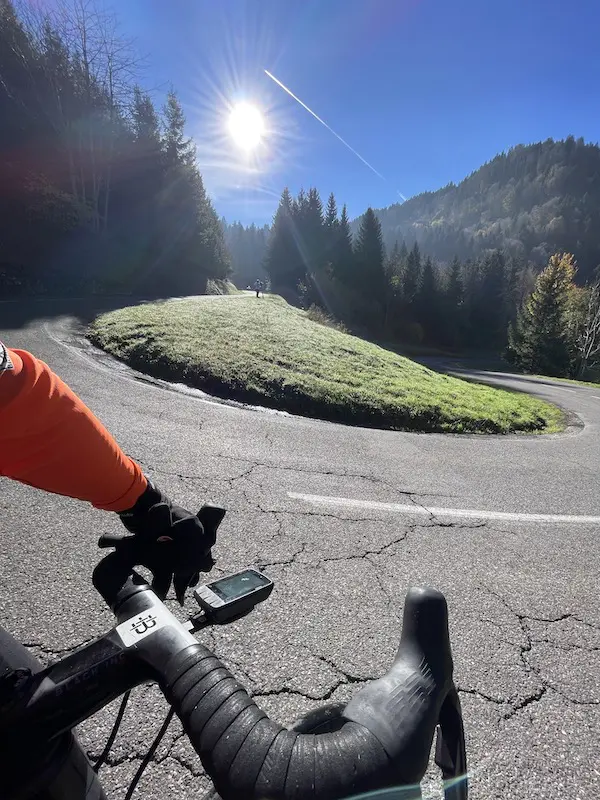
The Stages Cycling brand is better known for its power meters, still used until recently by a certain Tadej Pogacar. It now offers a Smart-Bike (soon to be tested in our columns) as well as a range of bike computers, in collaboration with Giant: the L200 and the M200. It is the latter that we have tested over several weeks.
Upon unboxing, the bike computer comes with a quarter-turn mount that can be attached to any handlebar with a round top section. If you have a combo, it has the same footprint as Garmin. No compatibility issues. There is also an old-school elastic mount for those who want to attach it to the stem. The bike computer also comes with its micro USB charging cable and user manual.
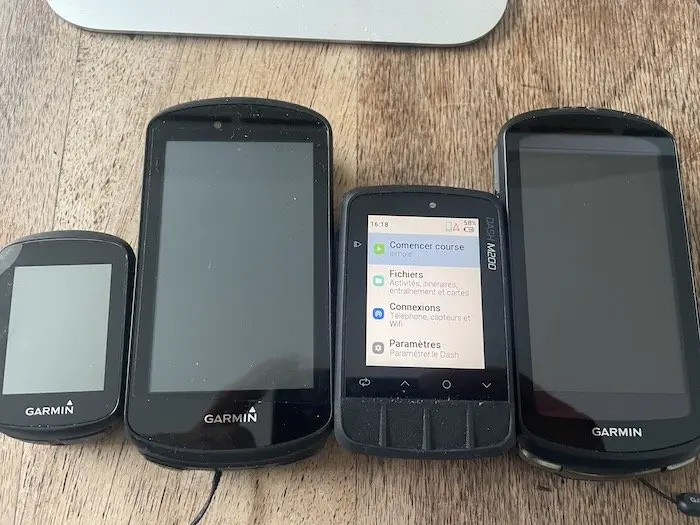
With a fairly classic format, the M200 is more compact than the L200, which is more intended for navigation. With a 2.2-inch screen, it’s a little smaller than the Garmin reference in this range, the Edge 530. At a weight of 75 g, it’s also the same format.
Classic buttons
Stages decided to stick with buttons for navigating between different pages and for settings. This is something I particularly appreciated. The buttons are firm and feel good even with winter gloves. Once in hand, settings can be made manually on the bike computer itself, but this task is simplified by using the Stages Cycling app.
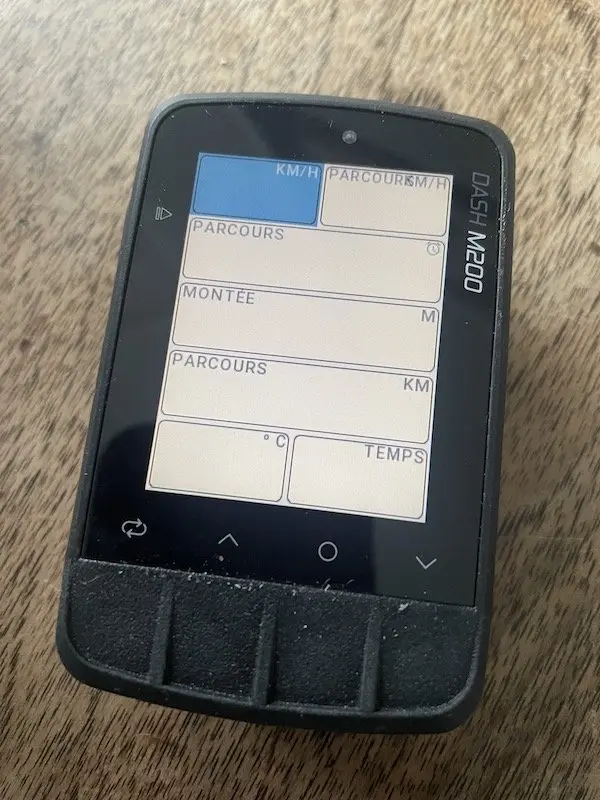
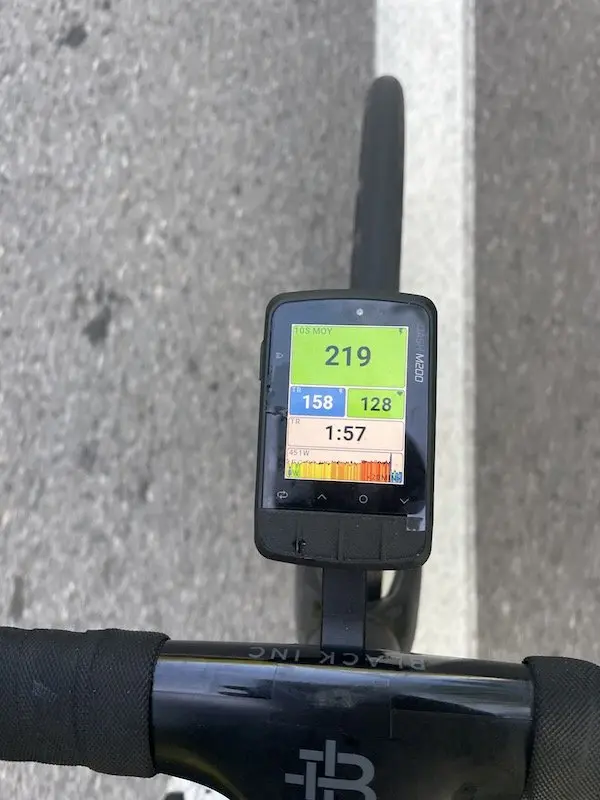
Here, we are closer to the Wahoo brand in terms of configuration: while being guided, you will configure your bike computer to have the desired pages, but also to detail your profile (threshold power, FTP, max HR, weight, etc.). No problems to report for the bike computer’s configuration. I kept it quite simple with a screen showing data to have power information for 10s – Heart Rate – Lap time – Lap circuit and altitude. And a screen with basic ride data: Distance / Time / hour / temperature and average speed.
On the road
To start the ride, you need to launch the profile you created beforehand, similar to Garmin. The bike computer searches for GPS signals, and sometimes this search is long. This is probably the point that disappointed me the most about this bike computer. But Stages is aware of this flaw and will be able to correct it with a future firmware update. Since the altitude is GPS-based, it varies a lot, and I didn’t find it comfortable in the mountains. A barometric sensor would still be more appropriate on a bike computer if it is intended for use in the mountains.
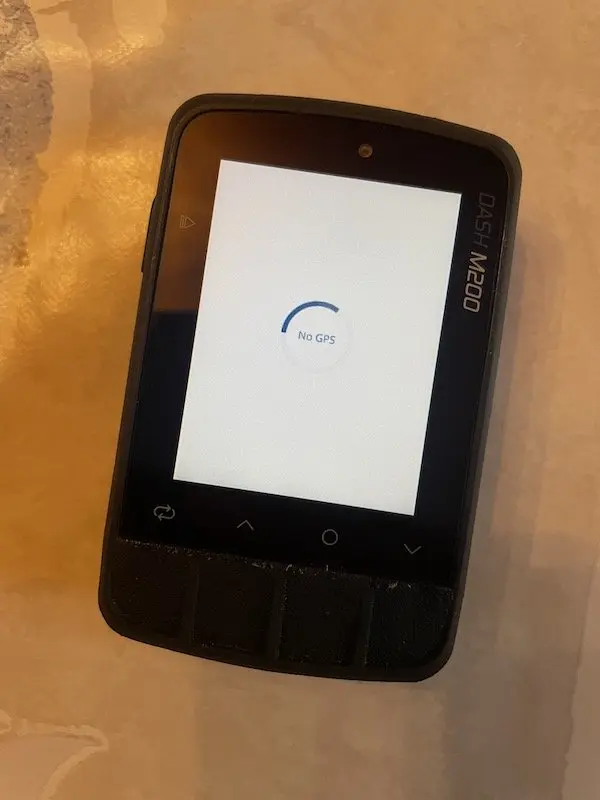
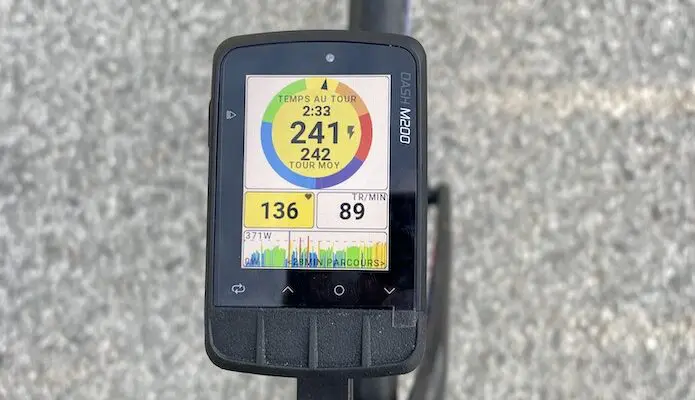
On the road, what clearly stands out compared to what I’m used to using, a Garmin Edge 1030, are the colors assigned to power and heart rate, which allow you to instantly identify the zone you want to work in. Of course, you must have previously set up your zones correctly.
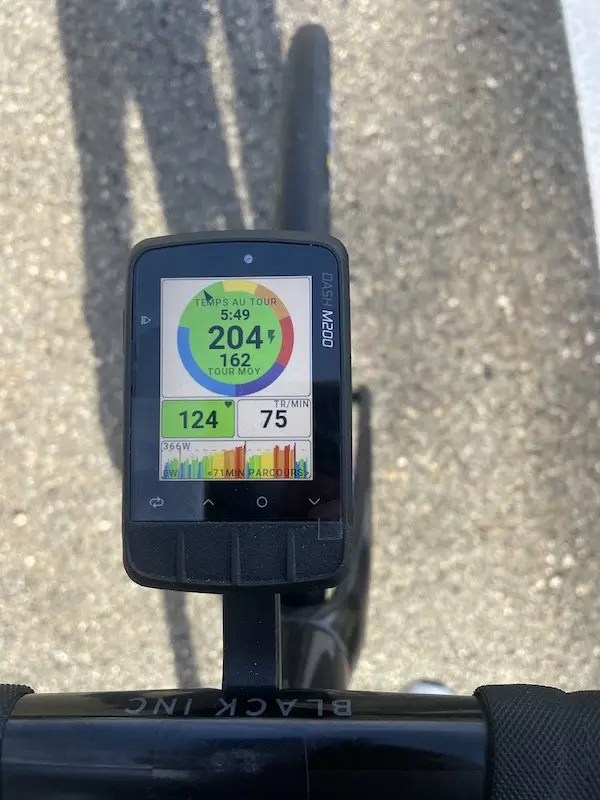
If you want to follow a route, after tracing it on a third-party application such as Strava or Komoot, it automatically synchronizes and you just have to launch it. Navigation is easy. The screen is very readable and the contrast remains very good even in low light conditions. With a 240×320 pixel screen, you are well served. Note that we had some GPS issues; it already took a long time to connect, and we had some crashes at the beginning in navigation mode…
How long can you ride with this Stages bike computer? We are rather in the low average here. I was able to get about ten hours with the bike computer connected / HR and Power sensor in navigation mode and low brightness. A bit limited for ultra-endurance riders, but it’s enough for normal use by recharging it daily. You should be able to push up to 15 hours in GPS-only configuration, without any sensors.
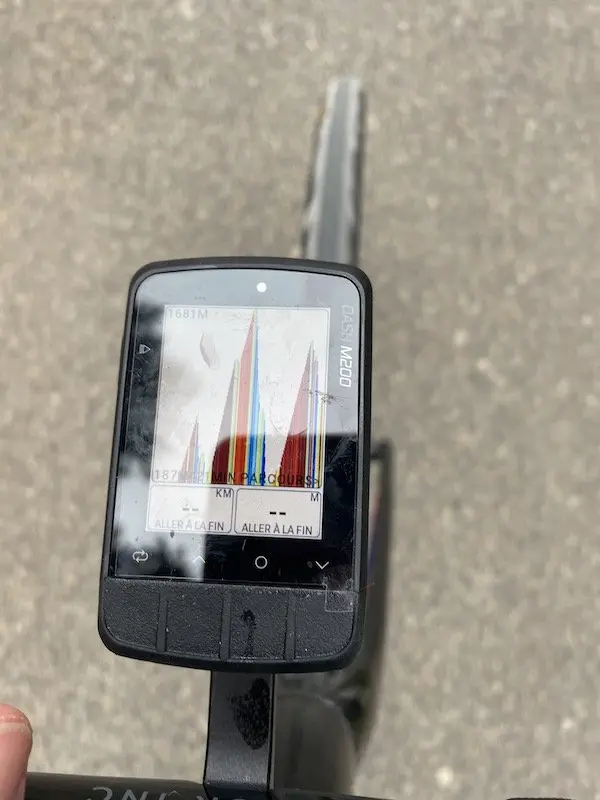
This small device, like almost all bike computers now, keeps you informed of all your phone’s notifications via Bluetooth. However, we note the absence of Livetrack. Perhaps in a future update. The Stages is perfectly compatible with smart indoor trainers as well as various accessories such as the Garmin Varia rear light. After the ride, the Stages bike computer connects perfectly to your favorite networks: Strava, Komoot, Training Peaks… Note that there is no Live Segment tracking possible (which may not be a bad thing).
Our opinion on the Stages Cycling Dash M200 bike computer
This bike computer, excellent in itself, seduced us with its screen which allows for immediate good reading of power data and to be in the desired zone. The on-screen graphics are also a plus for this bike computer. However, it faces strong competition from the Garmin Edge 530, although the latter is less performant in terms of navigation. So, if you want to go off the beaten path and have something relatively reliable, this Stages bike computer is a good option.
=> SEE ALSO : Buy the Stages Cycling Dash M200 GPS bike computer on sale
The STAGES CYCLING DASH M200 GPS BIKE COMPUTER in brief… Rating: * Pros: clear screen, graphic design, many display options, buttons Price: €279 Contact: stagescycling.eu |
=> SEE ALSO : All our Gear articles
Share the post "Stages Cycling Dash M200 GPS Bike Computer Review"