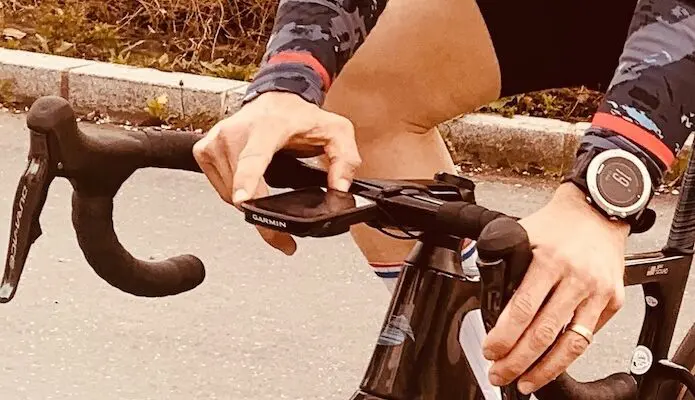
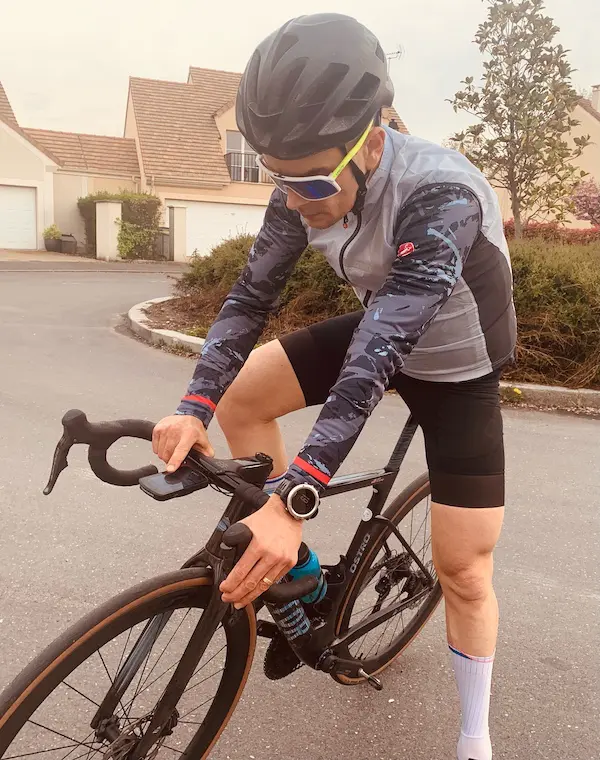
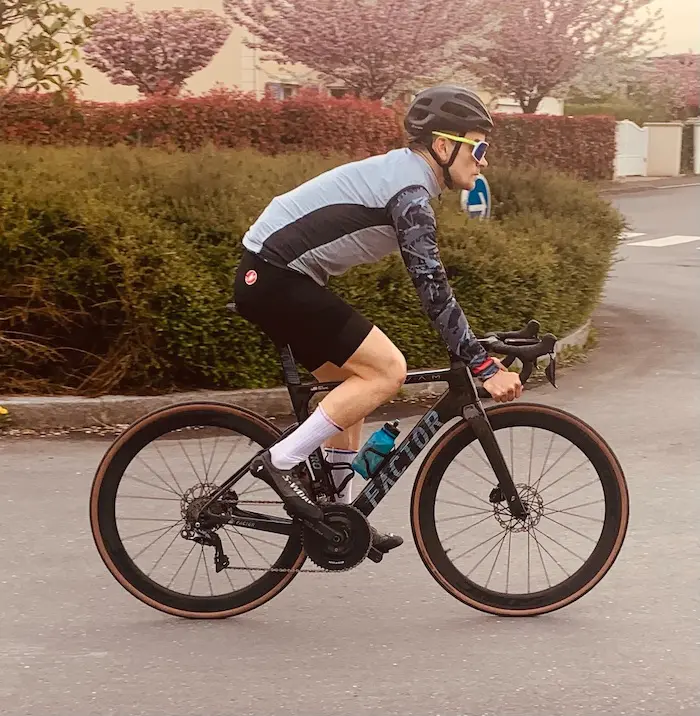
Whether your goals for improving or monitoring your performance when you exercise are linked to a need for control, reassurance, recognition, accomplishment, or any other aspect of your motivation or desires, choosing the appropriate key performance indicators to focus on when in action is not so simple. Indeed, what is the right information to display on your watch or bike computer / head unit?
By Jean-François Tatard – Photos: @3bikes.fr
Before going for a ride, you need to carefully select the data you want to see on your bike computer / head unit en route. And it must be acknowledged that much of it will not be useful to you.
Watches or bike computers / head units/GPS are now part of the basic equipment for the avid athlete, and more particularly for the cyclist. Some models offer a plethora of functions related to movement (speed, distance, etc.), environment (GPS track, mapping, elevation, etc.), heart rate intensity (instantaneous, average, recovery heart rate, etc.), power (when a power meter is also available), not to mention the management of electronic derailleurs, lights, messages or phone calls, in addition to basic functions like time! Since it’s impossible to use everything, let’s see what’s most important for you to have a fulfilling practice.
Choose the indications that are directly linked to your objectives
Indicators are quantifiable measures or data points used to measure the performance of your sports activity. Often in relation to a goal. For example, an indicator on your bike computer / head unit could be linked to your goal of increasing your mileage. Or to your speed control. But also to a determination of your power zone. Or more simply to achieving a target average speed. You determine it…
Focus on a few key metrics, rather than too much data
Do you remember that article about measurement bordering on excess? As you begin to identify key performance indicators for your sports activity, you should keep in mind that it is generally better to focus your efforts on a few targeted points. Rather than choosing dozens of parameters, you should just focus on the few key indicators that will truly make a difference.
Do you know the 80/20 rule? Always keep Pareto’s law in mind (an observation that approximately 80% of effects are the product of only 20% of causes). Furthermore, if you try to track too many indicators, you might as well not track anything at all. In most cases, you should aim to identify between four and ten indicators at most.
Take into account your deep aspirations and the phase you are currently in regarding your sport
Depending on the stage you are at in your sports activity, some metrics will be more important than others. The initial phases, when one is discovering, generally focus on metrics related to validating one’s conception of the sport. To properly choose the indicators to display on your bike computer / head unit, you need to know which category you belong to and take into account that the key performance indicators you used in the past may no longer be relevant today.
Identify lagging and leading performance indicators
The difference between lagging and leading indicators is essentially knowing how you used to do things, compared to how you do things now. Leading indicators are not necessarily better than lagging indicators, or vice versa. You just need to be aware of the differences between the two. To choose your indicators well, it is important to measure both the positive and the negative.
Depending on the stage you are at in relation to your fitness or your goals, not all indicators are equally valuable.
Understand that indicators are different for each category and each model or approach to one’s own sport. The key performance indicators you choose will be greatly influenced by the model you are in and also by how you conceive your own sport.
Learn to sort
Within the following list, you will find practically all the functions present in the most elaborate bike computers / head units (from Garmin, for example). These are all possible data fields… So it is obvious that it is even more important to sort. To select only the most important and consistent indications for your model of conceiving your passion. And so, to conclude, don’t overload yourself. What is your objective? Which data fields best allow you to measure the performance you wish to achieve? What are the most necessary indications to assess the real situation of your actions and therefore your state at a given moment? Only take the indications that best suit your practice rather than those used by other riders…
Glossary
Here are all the existing performance indicators or standard data fields that can be found on the most elaborate bike computers / head units. It’s up to you to choose which ones are most relevant to display according to your level of involvement:
% FTP: current power as a percentage of functional threshold power.
% Avg. HRR: average percentage of heart rate reserve (difference between maximum heart rate and resting heart rate) for the current activity.
% Lap HRR: average percentage of heart rate reserve (difference between maximum heart rate and resting heart rate) for the current lap.
Altitude: altitude of your current position above or below sea level.
Ascent to Next Waypoint: the remaining climbing distance to the next point on your course.
Remaining Ascent: during a workout or race, this is the remaining climbing distance when you use an altitude goal.
Total Ascent: total vertical distance climbed since the last reset.
Heart Rate Bars: a bar graph displaying your current, average, and maximum heart rate data for the current activity.
Gear Batt.: battery status of a gear position sensor.
E-Bike Batt.: the battery charge level of an electric bike.
Cad. (Bars): a bar graph displaying your current, average, and maximum cycling cadence data for the current activity.
Lap Cadence: average cadence for the current lap.
Cadence: number of crank revolutions per minute. This data appears when your device is connected to a cadence sensor.
Avg. Cadence: average cadence for the current activity.
Calories: total number of calories burned since the start of the activity.
Calories Remaining: during a workout, remaining calories when you have a calorie goal.
Heading: direction you are traveling.
Stopwatch: stopwatch time for the current activity.
Target: during a workout, the target for the workout step.
Laps: number of laps (intermediate times) completed for the current activity.
Gear Combo: current gear combination based on a gear position sensor.
Workout Comp.: graph comparing your current effort to the workout goal.
Performance Condition: the performance condition score is a real-time assessment of your condition.
Gear Shift Rec.: gear shift recommendations based on your current efforts. On your electric bike, you must activate the mode allowing manual gear changes.
Consistency 60s: 60-second moving average of the consistency score.
Lap Consistency: overall consistency score for the current lap.
Consistency: measure of maintaining constant speed and regularity in turns for the current activity.
Sunset: sunset time based on your GPS position.
Lap PCO: power distribution over the pedal surface for the current lap.
Avg. PCO: power distribution over the surface for the current activity.
Platform Center Offset: power distribution over the surface. The offset from the center of the platform corresponds to the location on the pedal where the force is exerted.
Total Descent: total vertical distance descended since the last reset.
Grit: measure of difficulty for the current activity based on altitude, gradient, and rapid changes in direction.
Lap Grit: overall grit score for the current lap.
Grit 60s: 60-second moving average of the grit score.
Range: an estimate of the distance you can travel based on your electric bike’s current settings and remaining battery level.
Distance: distance traveled for the current track or activity.
Distance Ahead: the distance ahead or behind the Virtual Partner®.
Distance Remaining: during a workout or course, remaining distance when you have a distance goal.
Distance to Next: remaining distance to the next waypoint on your route. This data appears when navigation is in progress.
Lap Distance: distance traveled for the current lap.
Last Lap Distance: distance traveled for the last completed lap.
Distance to Destination: remaining distance to the final destination. This data appears when navigation is in progress.
Course Point Dist.: remaining distance to the next point on your course.
Duration: the remaining time for the current workout step.
Duration: the elapsed time for the current workout step.
Pedal Effectiveness: measure of how effectively a cyclist pedals.
EPOC: amount of excess post-exercise oxygen consumption (EPOC) for the current activity. EPOC indicates the difficulty of your workout.
Balance: current left/right power balance.
Balance 10s: 10-second average of left/right power balance.
Balance 30s: 30-second average of left/right power balance.
Balance 3s: 3-second average of left/right power balance.
Lap Balance: average left/right power balance for the current lap.
Avg. Balance: average left/right power balance for the current activity.
ETA to Destination: estimated time you will reach the final destination (adjusted to the destination’s local time). This data appears when navigation is in progress.
ETA to Next: estimated time you will reach the next waypoint on the route (adjusted to the waypoint’s local time). This data appears when navigation is in progress.
Workout Step: during a workout, current step out of the total number of steps.
Beam Angle Status: headlight beam mode.
Battery Status: remaining battery charge level of a bike light accessory.
HR – Lap: average heart rate for the current lap.
Max HR % Lap: average percentage of maximum heart rate for the current lap.
Max Heart Rate Percentage: percentage of maximum heart rate.
Connected Lights: number of connected lights.
Pedal Stroke Smoothness: measure of how uniformly a cyclist applies pressure to the pedals with each pedal stroke.
Heart Rate: heart rate in beats per minute (bpm). Your device must be connected to a compatible heart rate monitor.
Last Lap Heart Rate: average heart rate for the last completed lap.
Average Heart Rate: average heart rate for the current activity.
Required Heart Rate: during a workout, value above or below your heart rate goal.
Power Graph: a line graph displaying your current, average, and maximum power data for the current activity.
Speed Graph: a line graph displaying your speed for the current activity.
Elevation Graph: a line graph showing your current altitude, total ascent, and total descent for the current activity.
Cadence Graph: a line graph displaying your cycling cadence data for the current activity.
Heart Rate Graph: a line graph displaying your current, average, and maximum heart rate data for the current activity.
HR Zone Graph: line graph representing your current heart rate range (1 to 5).
Time: current time based on your current position and time settings (format, time zone, daylight saving time).
GPS Signal Strength: strength of the GPS satellite signal.
Intensity Factor: the Intensity Factor™ for the current activity.
Kilojoules: cumulative activity performed (power) in kilojoules.
Sunrise: sunrise time based on your GPS position.
Assist Mode: the electric bike’s assist mode.
Di2 Shift Mode: the shift mode activated for a Di2 sensor.
Light Mode: light network configuration mode.
Avg. Max HR %: average percentage of maximum heart rate for the current activity.
Battery Charge Level: remaining energy.
Di2 Battery Charge Level: remaining battery charge level of a Di2 sensor.
Normalized Power: the Normalized Power for the current activity. Normalized Power calculation is a method based on average power measured in watts, used to compensate for variations in riding conditions, to obtain a more accurate representation of the power delivered.
Last Lap Normalized Power: normalized power for the last completed lap.
Lap NP: the normalized power for the current lap.
Odometer: count of distance traveled across all rides. This total is not cleared when trip data is reset.
Gradient: calculation of climb (altitude) over distance. For example, if you climb 3 m every time you travel 60 m, the gradient is 5%.
Right Power Phase: current power phase angle for the right leg. The power phase corresponds to the region of the pedal stroke where positive power is exerted.
Average Right Power Phase: average power phase angle for the right leg for the current activity.
Right Power Phase for Lap: average power phase angle for the right leg for the current lap.
Left Power Phase: current power phase angle for the left leg. The power phase corresponds to the region of the pedal stroke where positive power is exerted.
Average Left Power Phase: average power phase angle for the left leg for the current activity.
Left Power Phase for Lap: average power phase angle for the left leg for the current lap.
Right Power Phase Peak: current power phase peak angle for the right leg. The power phase peak corresponds to the range of angles for which the cyclist produces the most driving force.
Left Power Phase Peak: current power phase peak angle for the left leg. The power phase peak corresponds to the range of angles for which the cyclist produces the most driving force.
Avg. Right Power Phase Peak: average power phase peak angle for the right leg for the current activity.
Lap Right Power Phase Peak: average power phase peak angle for the right leg for the current lap.
Lap Left Power Phase Peak: average power phase peak angle for the left leg for the current lap.
Avg. Left Power Phase Peak: average power phase peak angle for the left leg for the current activity.
Rear Cog: cog on the cassette based on a gear position sensor.
Front Chainring: chainring on the crankset based on a gear position sensor.
Destination Point: last point on the route or course.
Next Point Position: next point on the route or course.
Last Lap Power: average power for the last completed lap.
Max Lap Power: maximum power for the current lap.
Avg. Power: average power for the current activity.
Power: current power in watts. Your device must be connected to a compatible power meter.
Power (Bars): a bar graph displaying your current, average, and maximum power data for the current activity.
Power 10s: 10-second average of power.
Power 30s: 30-second average of power.
Power 3s: 3-second average of power.
Lap Power: average power for the current lap.
Maximum Power: maximum power for the current activity.
Target Power: target power during an activity.
Gear Ratio: number of teeth on the front and rear chainrings of the bike, as detected by a gear position sensor.
Target Reps: during a workout, remaining repetitions.
HR Reserve Percentage: percentage of heart rate reserve (difference between maximum heart rate and resting heart rate).
Indoor Trainer Resistance: resistance force applied to the indoor trainer.
Temperature: air temperature. Your body temperature affects the temperature sensor reading.
Seated Time: time spent in the saddle while pedaling for the current activity.
Lap Time: stopwatch time for the current lap.
Time Ahead: the time ahead or behind the Virtual Partner.
Time in Zone: time spent in each heart rate zone or power zone.
Elapsed Time: total recorded time. Imagine you start the stopwatch and run for 10 minutes, stop the stopwatch for 5 minutes, then restart it to run for 20 minutes. The elapsed time will then be 35 minutes.
Time out of the saddle: time spent out of the saddle while pedaling for the current activity.
Time out of the saddle on Lap: time spent out of the saddle while pedaling for the current lap.
Time Seated on Lap: time spent in the saddle while pedaling for the current lap.
Time to Destination: estimated time remaining to reach the destination. This data appears when navigation is in progress.
Time Required: during a workout or on a course, this is the remaining time when you have a time goal.
Time to Next: estimated time remaining to reach the next waypoint on your route. This data appears when navigation is in progress.
Last Lap Time: stopwatch time for the last completed lap.
Avg. Lap Time: average lap duration for the current activity.
Aerobic Training Effect: the impact of the current activity on your aerobic level.
Anaerobic Training Effect: the impact of the current activity on your anaerobic level.
TSS: the Training Stress Score™ for the current activity.
VAM: the average ascent speed for the current activity.
VAM 30s: 30-second moving average of the average ascent speed.
Lap VAM: the average ascent speed for the current lap.
Average VAM: the average ascent speed for the current activity.
Speed (Bars): a bar graph displaying your current, average, and maximum speed data for the current activity.
Speed: current travel speed.
Lap Speed: average speed for the current lap.
Last Lap Speed: average speed for the last completed lap.
Maximum Speed: maximum speed for the current activity.
Avg. Speed: average speed for the current activity.
Front and rear bike chainrings based on a gear position sensor.
Watts/kg: power in watts per kilogram.
Average Watts/kg: the average power in watts per kilogram for the ride.
Watts/kg for Lap: the average power in watts per kilogram for the current lap.
Watts/kg 10s: 10-second average of power in watts per kilogram.
Watts/kg 30s: 30-second average of power in watts per kilogram.
Watts/kg 3s: 3-second average of power in watts per kilogram.
Heart Rate Zone: current heart rate range (1 to 5). Default zones are based on your user profile and maximum heart rate (220 minus your age).
Power Zone: current power zone (1 to 7) based on your functional threshold power (FTP) or custom settings.